Hotel and resort onboarding
A short guide to listing your hotel on Mongova
Follow these steps to create your business account, add rooms, and open bookable dates.
Free registration. No monthly fee.
Mongova charges a service commission only when a confirmed booking meets the agreed terms.
Prepare these details
- Business name, type, and address
- Owner phone number and email address
- Three to five clear exterior and room photos
- Room names, guest capacity, and nightly prices
- The first and last dates that can accept bookings
Register in four steps
- 1
Open the registration page
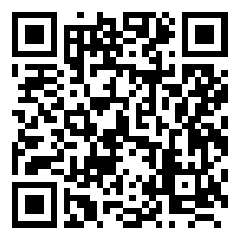
Go to mongova.com/auth/register/business. Choose Монгол or English at the top.
- 2
Create the business account
Enter the business and owner details. Create a password with at least eight characters.
- 3
Add a description and photos
Review the information. Then select Create business account.
- 4
Complete the dashboard setup
Add the property, rooms, prices, and bookable dates in the dashboard.
After registration
- Check the business name, photos, phone number, and address on the public page.
- Open rooms only for dates when the business can accept bookings.
- Keep prices, room counts, and available dates current.
Keep the account secure
Do not share the password. Each business owner must keep their own password.